
Calculator and design methods
Rockford Fosgate Subwoofer Box Design
Last updated
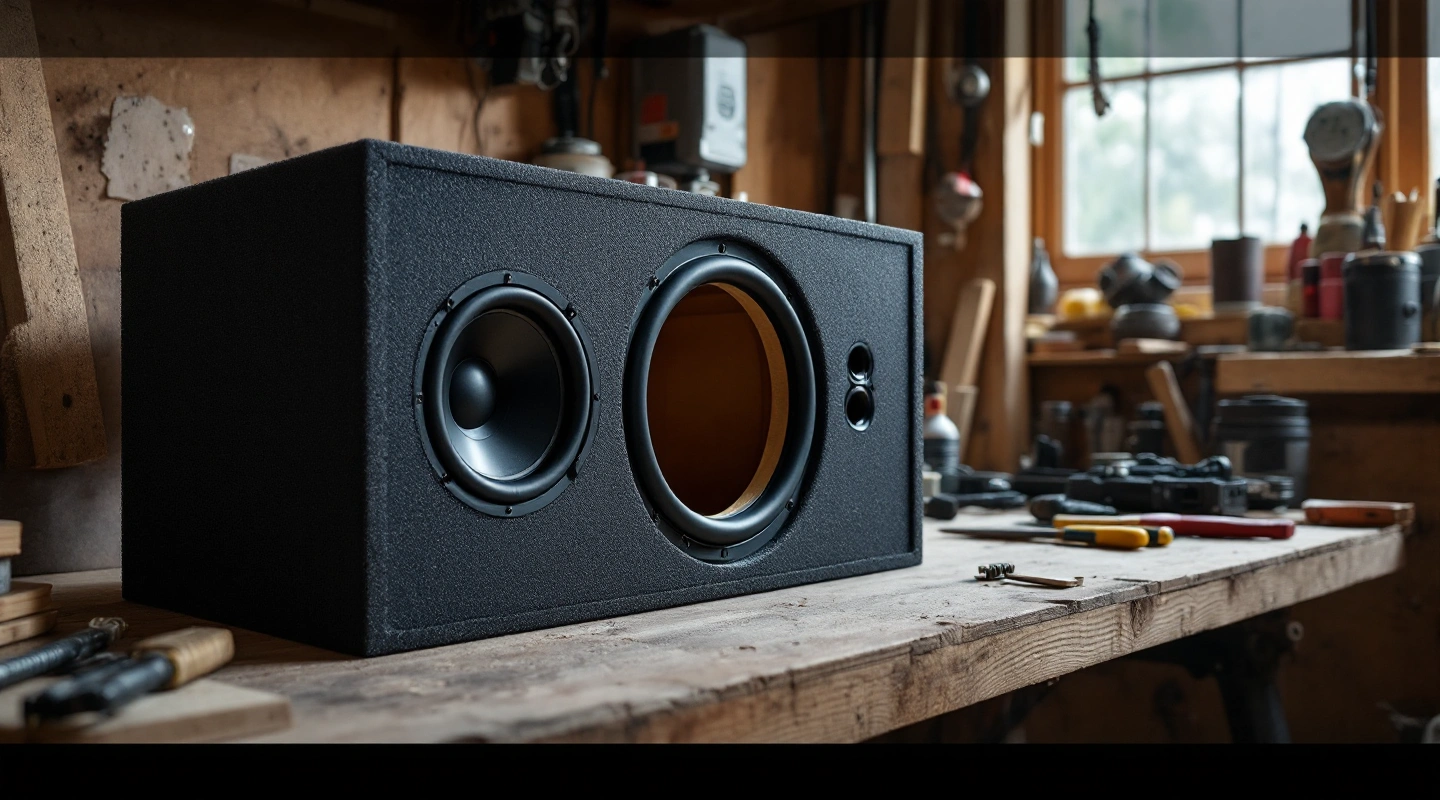
A Rockford Fosgate subwoofer box design starts with the full model code. Find the manual that covers it. The P3 shallow and regular P3 families use different designs. This guide works through the P3SD4-12 as a stated example. It keeps the gross target separate from the air left around the installed driver.
For the P3 shallow example below, size the cavity to the manual's gross convention. Use the later displacement chart when working out remaining airspace. Do not add that driver volume to a target that already describes the empty cavity. Keep mounting sizes attached to the exact model, and check any later maker's notice before cutting.
On this page
Match the Rockford box design to its manual
Copy the label on the driver. Record P3SD4-12 in full, including the S for the shallow series. A search result for P3D4-12 is not enough. That is another model, with its own fit data and box designs.
The source used here is the Rockford P3 shallow build manual, document 1230-57070-01. Its box table is on printed page 3. This is a worked reference for that document, not a claim about current retail availability or every Rockford model.
Keep the manual filename or document code with your saved plan. That lets you trace a later source correction. If your driver's label or supplied manual differs, use its own data instead of this example.
Gross volume in the P3S manual
The table gives a nominal 1.00-cubic-foot sealed gross target for the 12-inch shallow model. Gross means the cavity before subtracting the driver's occupied space. It does not mean the outside rectangular volume, which includes the cabinet walls.
Keep outside volume separate from the empty inside cavity. The air left around installed parts is a third number. If the target means gross cavity, do not add driver volume to it. That would make a larger shell. Subtract the driver from the actual cavity to report true net airspace.
Read the size chart's volume definitions before comparing makers. A gross target and a net target mean different things. Matching numbers do not prove that the boxes have the same airspace left inside.
Check the displacement advisory
Rockford's later displacement advisory 1220-59308-02, dated 29 February 2016, lists 0.086 cubic feet for P3SD2-12 and P3SD4-12. It addresses occupied space. The notice says the mounting measurements and Thiele/Small parameters are unaffected.
Use that occupied-volume figure only for the listed models. Do not use the regular P3's figure or a cone's swept volume in its place. Keep both the box manual and the advisory in your plan. One defines the target; the other supplies the corrected physical deduction.
The box example is not a new acoustic simulation. It checks the maker's target convention and the cabinet arithmetic. It cannot prove output, power handling at a chosen frequency or how the box will sound in your car.
Recheck the box design cavity measurements
Use the manual's 20 × 16 × 8-inch outside example with 0.75-inch walls. With one front layer, the cavity is 18.5 × 14.5 × 6.5 inches. Multiplying and dividing by 1728 gives 1.009042 cubic feet gross. The difference from the nominal 1.00 target is visible rather than rounded away.
Subtract the advisory's 0.086 cubic feet and the remaining space is 0.923042 cubic feet before extra braces or terminals. Those other deductions remain unknown until measured. Do not describe this intermediate number as the final installed net volume.
For a fresh shell at exactly 1.00 cubic foot gross, fix the width and height, then use target mode in the box planner. Choose gross cavity as the convention. Extra parts reduce reported net airspace. The tool does not add them to this gross target. Label any target change as your own design choice.
Mounting depth and port clearance
Check the actual cutout, frame diameter and mounting depth in the exact manual. Measure depth from the correct mounting plane. A thicker front panel moves that plane, while a brace behind the motor can remove clearance that the outside sizes seem to provide.
Place the driver center on the baffle drawing. Check the frame against each edge and the cutout against the inside walls. Add the terminal cup and brace outlines before deciding that the driver fits. A shallow driver does not remove these checks.
A ported box needs its own stated volume, vent area, length and clearance. Do not put a tube into this sealed example and call it a valid ported design. Use the ported conversion check to see why the occupied vent space changes the problem.
FAQ
Does this apply to every Rockford P3?
No. This page uses the shallow P3S manual and one listed 12-inch model. The regular P3 series has its own manual. Match every letter in the model code before copying size or occupied-space data. Matching coil impedance does not prove that two families share a box design.
Should I add 0.086 cubic feet to the target?
Not to this gross-cavity target. That figure helps you find the air left after the driver is fitted. Adding it would answer a different sizing question. If another manual states a true net target, add the relevant occupied parts when finding the empty cavity it needs.
Why does the example exceed one cubic foot?
The stated outside sizes and wall thickness work out to about 1.009 cubic feet. That is a small but real difference from the nominal one-cubic-foot label. Keep the computed result and source label separate. Do not invent a hidden brace to force them to match.
Is the driver available to buy today?
This guide makes no stock or current-sales claim. It explains a manufacturer's manual for one exact model. Check the maker's current US listing and your seller's full model code before buying. A source example can still help an owner even when current sale status is unknown.
Verdict
For this Rockford Fosgate subwoofer box design, start with the model and manual. Check gross cavity next, then the displacement advisory. Keep missing part volumes marked unknown. Enter measured wall thickness in the rectangular calculator. Use the bracing guide to finish the ledger.