
Subwoofer Port Calculator
Enter net airspace, port size and tuning for port length, or enter length to calculate tuning.
Your worksheet
Choose an example or enter measurements, then calculate.
Your volume ledger, drawing and fit checks will appear here. No dimensions are assumed.
Last updated
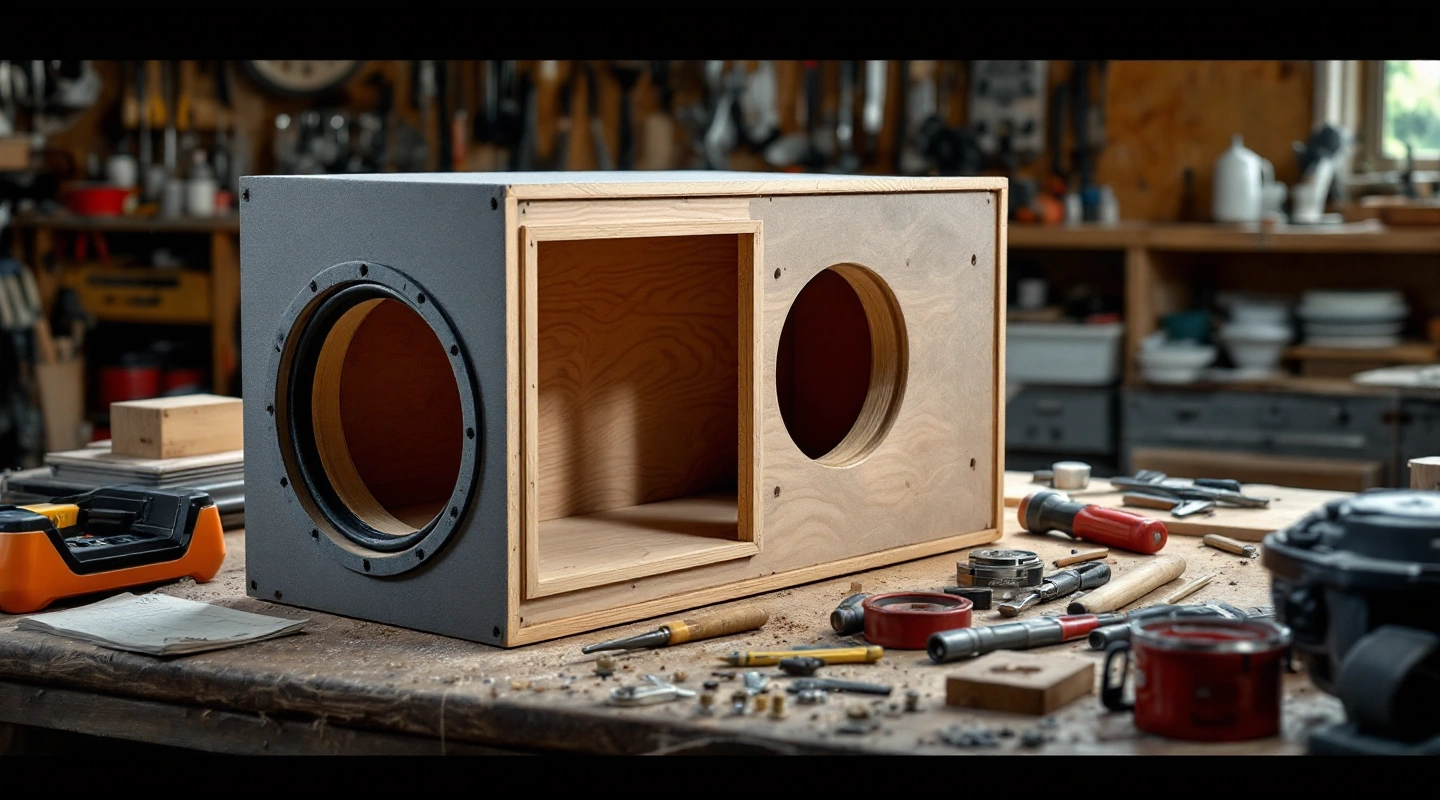
This subwoofer port calculator estimates vent length from true net airspace and a target tuning. It can also estimate tuning from a known vent. Choose the real clear section and enter the end treatment. The worksheet keeps acoustic length separate from the space the port takes up inside the box.
Use net cavity after installed parts are deducted. Round area comes from inside diameter; slot area comes from clear width and height. Effective length equals physical length plus a stated end correction. A slot, flare or fold needs its own documented or assumed correction. Missing outside sizes or routing leave occupied space and fit unknown.
On this page
Choose the subwoofer port calculator mode
Length mode needs true net volume, clear section and target Fb. It calculates effective length, then subtracts the selected correction to obtain physical length. If that subtraction gives no positive physical length, there is no valid result under those inputs.
Tuning mode starts with a known physical length. It adds the stated correction and uses the resulting effective length in the frequency equation. This checks a geometric vent estimate; it does not measure an installed box or choose a complete driver alignment.
Use the exact driver's stated vented design as the starting point. The model table keeps source targets separate from computed outputs. Do not select a tuning just because it is lower than another number.
Enter net volume and clear layout
For a round port, enter inside diameter. For a slot, enter its clear width and height. Identical ports use the same section and length in one chamber. The calculator multiplies their area by count. Unequal ports or a changing-section duct require another model.
Net airspace excludes the inside port envelope as well as other installed parts. If you know only the empty shell, complete the box ledger first. Guessing a missing driver deduction as zero would make the acoustic input look more certain than it is.
All acoustic equations use SI units internally. The screen and saved file keep your selected input units. Sound speed defaults to 343 meters per second as a declared editable assumption from the source example.
Worked length and inverse check
Load the example with 1.750 cubic feet true net, one 3-inch inside-diameter tube and 26 Hz target tuning. At sound speed 343 meters per second and one baffled plus one free-end rough model, total end correction is 2.175 inches.
The computed effective length is 15.972209 inches. Physical length is 13.797209 inches. Returning that physical length and the same correction to tuning mode gives 26.0 Hz. The inverse check checks the equation and unit conversions, not the fit of that vent for an unnamed driver.
The JL manual publishes a 14-inch physical port for its design. Label that length as published. Do not alter it to force exact agreement with a model that uses assumed end conditions.
Check the whole inside volume and fit
A tube's excluded space is π × (OD/2)² × inside length × count. OD is outside diameter. Inside length excludes the wall passage and any protrusion outside the cabinet. For a straight through-baffle tube, those three lengths must add to total physical length.
A slot takes up space for both its duct air and its inside walls. Count each part of those walls once. Omit shared cabinet walls, which the shell math already covers. An unknown wall layout leaves the occupied volume unknown. See the port area guide for the clear area and whole envelope.
Compare the entire duct route with the driver motor, braces and terminal cup. Check opening clearance from the actual vent documentation. Available depth alone does not prove that the inside parts clear one another. The worksheet keeps that physical-layout limit.
Subwoofer port calculator assumptions and sources
The rough relation is Fb = c/(2π) × √(Atotal/(Vnet × Leff)). Rearranging gives Leff = c²Atotal/((2πFb)²Vnet). Subtract the total correction to obtain physical length. Formula version 1.0.0 keeps unrounded values until display.
UNSW's Helmholtz resonance page supplies the relation and rough circular end effects. The round presets use 0.85 times radius for a baffled end and 0.6 times radius for the free-end rough model. They are stated model assumptions, not fixed loudspeaker calibration.
The same source warns that non-round end effects differ from a same-area circle. The slot mode therefore requires an entered correction in length units. Use a stated maker correction where available, and keep the source. No default flare or fold calibration is invented.
Print and save the worksheet
Print keeps the equation inputs and results together, with the end correction and source URLs. Save a local JSON file to repeat the calculation later. An imported file does not become a public design page. Check its units and assumptions before calculating again.
This tool does not calculate watts or air speed. It cannot certify that a vent will be quiet. Those checks need a model of the actual driver and signal, or measurements. The tuning guide explains the separate measured check.
FAQ
Why does the calculator ask for true net volume?
The equation uses airspace left around the vent and all other installed parts. That is the net cavity. The empty shell's gross volume is a different input. Finish the ledger before using it here. Keep missing driver or partition volume marked unknown.
Why is the physical length shorter than effective length?
The moving air extends beyond the geometric ends in the rough model. End corrections represent that extra acoustic length. They are not tube you cut and install. Keep the chosen boundary treatment with the result, and use the vent maker's meaning when a flared or modular assembly states one.
Can I calculate a folded slot?
Enter a documented total correction or state your assumption. Check the entire route separately. A circular port of equal area does not have identical end effects. The result remains a rough acoustic worksheet, with physical fit unknown until the actual layout is checked.
Does a positive result mean the vent fits?
No. The required length can exceed the available route or place an opening too close to another surface. Check the motor envelope and all other parts inside the shell. The equation supplies an acoustic estimate. The drawing and actual clearance data must establish whether that duct can be built.
Verdict
Use the subwoofer port calculator to check area, effective length and net cavity together. Save the assumed end correction with the result. Check the whole inside route before cutting.