
Ports and tuning
Subwoofer Port Chuffing
Last updated
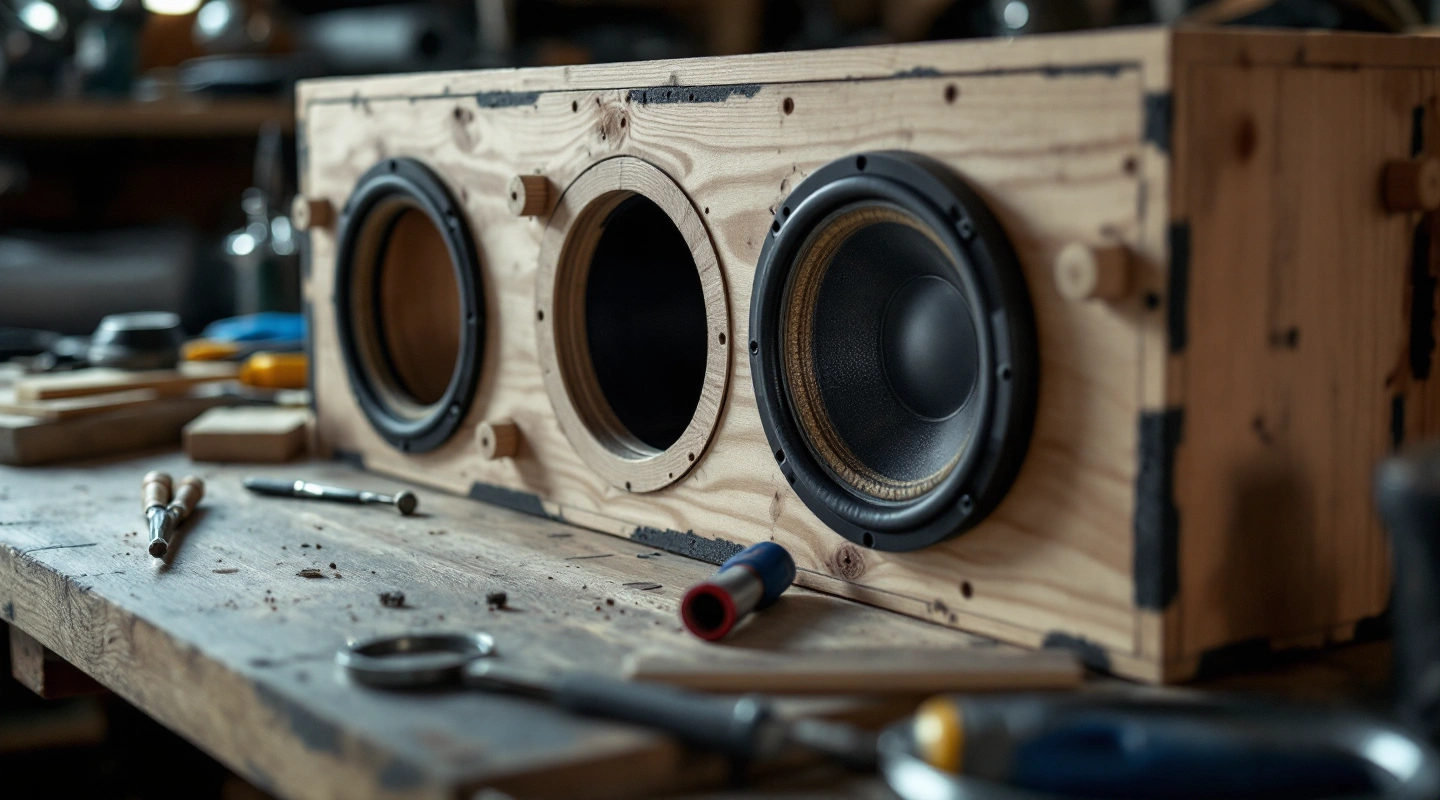
Subwoofer port chuffing is airflow noise linked with the vent, but it should not become a label for every box buzz. A gasket leak, loose cable or vibrating trim can sound similar from the listening seat. Find the location and operating condition before changing the vent.
Check the clear passage and both openings for restrictions. Compare the actual net cavity and vent layout with the stated design. A larger or flared port may be part of a redesign, but area, length and space taken up must be worked out again together. This site's layout tools do not predict a fixed chuff-free velocity or wattage.
On this page
Find the port chuffing noise path
Record when the noise occurs and stop if the driver rubs or makes an unexpected mechanical sound. Do not turn up the system just to make a fault easier to hear. Hearing and equipment limits still apply during diagnosis.
Inspect the driver gasket, terminal cup and shell seams with the system disconnected as required. A small air gap can hiss. A wire touching a moving part or a loose block can rattle. Fix the actual fault before deciding whether the vent needs a redesign.
If a seam or gasket is the likely path, use the ported sealing checklist. Keep the designed vent open during that work. A port is not an accidental leak that should be covered.
Inspect the vent section and clearance
Check the clear opening over the whole duct, not just the mouth. Look for carpet folded into a slot, adhesive squeeze-out or a brace crossing the path. Compare the installed sizes with the saved plan. A small restriction can be hidden behind the front panel.
Inspect both ends for the clearance stated by the actual design or port maker. A wall, seat or cargo item outside the box can obstruct the outlet. The motor or a brace can approach the inside inlet. Keep those checks separate from the box's gross volume.
KICKER's construction guide discusses vent noise and the need to balance port area and length. The useful response is a complete layout check, not a claim that one opening size eliminates noise for every driver and signal.
Check the full design before treating port chuffing
Use true net airspace after the inside vent envelope and other installed parts are deducted. A port computed from the empty shell has a different input from one computed with the final cavity. The box planner keeps those ledger entries visible.
Compare physical duct length with effective acoustic length. End effects add length in the model; they do not add tube to the build. UNSW's Helmholtz explanation explains this distinction.
If the port is flared or folded, state how the model treats its ends. Use the maker's method where available. The port calculator needs an entered correction for those cases. A same-area circle does not establish a slot's end effects.
What a larger area changes
Keep net volume and target tuning fixed in the Helmholtz equation. If you double total clear area, you must double effective length. That is a result of the ideal model. Physical length also depends on the new end correction.
For a synthetic comparison, a 3-inch inside-diameter tube has area about 7.068583 square inches. A 4-inch tube has about 12.566371. The area ratio is about 1.777778. That is the effective-length ratio needed to keep the same modeled tuning and net cavity, before checking the other end correction.
The larger duct can occupy more space and may no longer fit the route. Calculate its occupied volume and check the shell again. Changing only the opening leaves those checks incomplete. The area guide explains how clear area differs from displacement.
Change one stated part of the design
Save a record of the current box before altering it. Decide whether you are removing a restriction, restoring a joint or designing a new vent. Record the actual change so any later comparison has a clear basis.
A flared port may have its own method for measuring length. Follow its clearance instructions too. A flare does not prove that the port will be quiet at every level. Claim a measured change only if you have a valid measurement to show it.
Check whether the old box can hold the new duct and required airspace. If it cannot, plan a new shell. Do not force a fit by adding folds or narrowing the path without checking their effects. Keep missing facts visible. A positive length is no use if the duct cannot fit.
Keep power and measurement claims within the evidence
The layout calculator does not know the signal level or cone motion. It does not model the full vented response. It cannot tell you a maximum clean wattage or promise an inaudible vent. One fixed noise limit would imply data the math lacks.
Use the exact driver's design and operating limits. A low-level impedance check can help verify tuning. It cannot show whether a port stays quiet at high levels. Give the calculated result, measured tuning and listening notes their own labels. Each answers a different question.
FAQ
Does a bigger port always stop chuffing?
No. It may be part of a suitable redesign, but the length, end treatment and space taken up also change. The revised duct must fit with proper clearance and keep a suitable alignment. Check restrictions and unwanted leaks first. A larger mouth alone does not prove noise-free operation.
Can I round the port edge and leave everything else?
Follow the layout and material instructions for the actual vent. An altered edge or flare can change how the model treats effective length. Record that change. This guide gives no fixed roundover radius. Measure the result before claiming that the change removed the noise.
Is the noise proof that the box is too small?
No. A restricted inlet, loose wire, gasket gap or unsuitable drive condition can produce noise without proving a net-volume shortfall. Measure the cavity and find the source on its own. Use the driver's stated target and the complete vent layout before deciding that a larger shell is the right repair.
What safe port velocity does this calculator use?
It does not assign one. The tool estimates layout and small-signal tuning, not velocity under a specific signal and power level. A chuff-free power or speed claim needs a suitable model or measurement with its conditions stated. Keep such a result unknown when that evidence is absent.
Verdict
Compare the subwoofer port options when a confirmed redesign calls for a different vent or a custom slot.
Find the cause of subwoofer port chuffing before changing the design. Clear any confirmed blockage and check the volume ledger. Then calculate the complete vent change again.